

Trusted by over 10,000 businesses





The democratization of scheduling
is here.
Scheduling doesn’t exist in an ivory tower – so we built scheduling software that gives frontline staff a say in where and when they work. Easily fill open shifts, control your labor costs, and engage employees through a streamlined, all-in-one shift bidding process.
Post open shifts
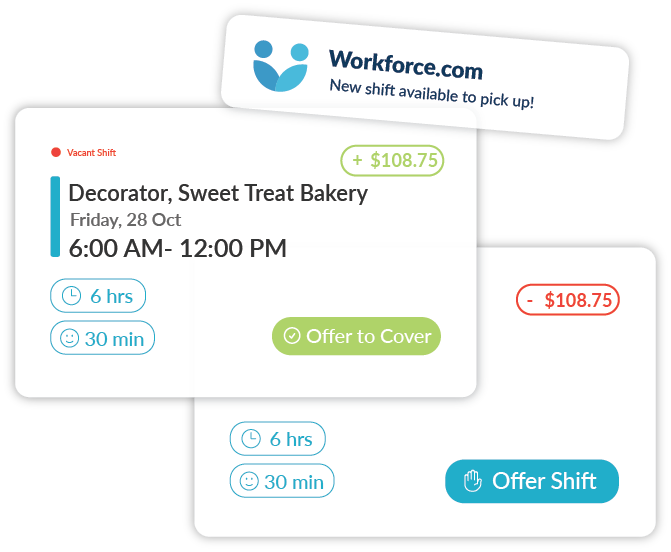
Alert staff via mobile app whenever an empty shift is available.
Compare employee bids in real-time
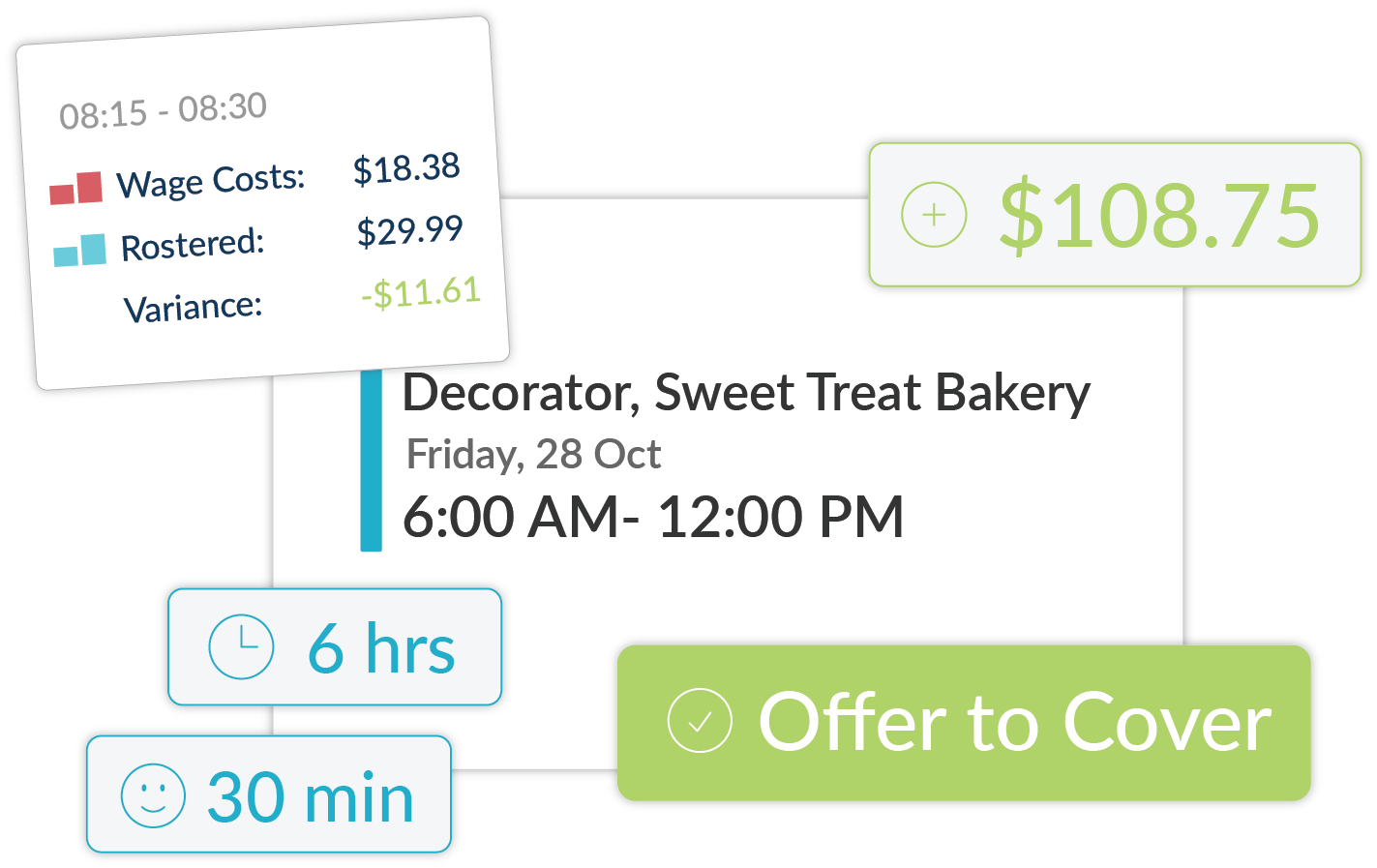
View wage costs, qualifications, and shift clashes for every bid.
Select best-fit employees
Auto-schedule the right employee for the job while declining other bids.
Schedule faster with
self-service
-
Dealing with call-outs and vacant shifts isn’t easy – but offloading some of the work to employees can make all the difference. Alert staff to open shifts and quickly fill them on a centralized, mobile-first system. Getting staff involved cuts down on the phone calls, emails, and texts managers need to make, improving overall frontline efficiency.
Ensure complete shift coverage
-
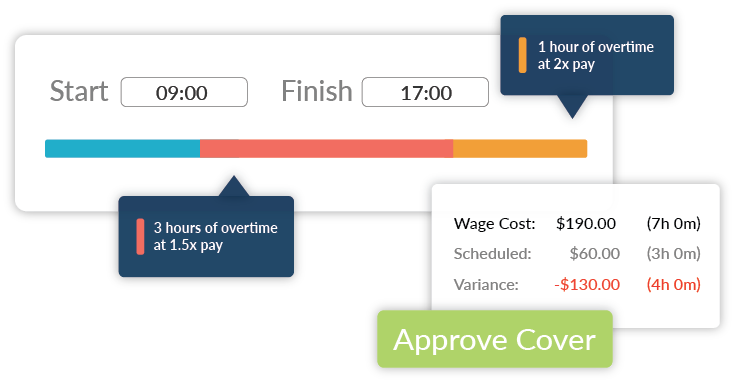
Keep timesheets flawless by automatically accounting for overtime rules, allowances, maximum work hours, and more. Tailor your requirements according to FLSA and state regulations, and receive real-time alerts to avoid class action lawsuits and DOL fines.
Optimize for cost and hours worked
-
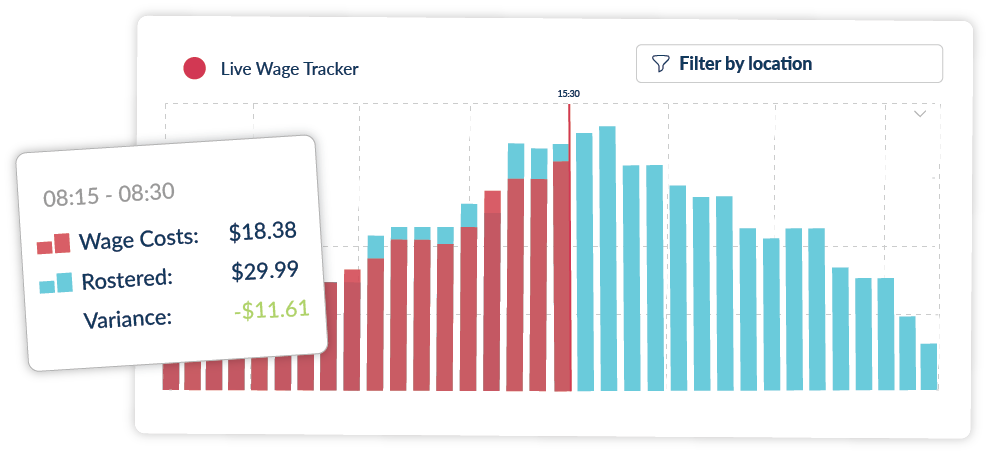
Control your labor costs with real-time visibility into wage and hour metrics for every bid. Review hourly rates, validation errors, and overtime potentials, to determine who gets the shift. Granular insight like this gives you more control over how you schedule staff, keeping you within budget and error-free.
Incentivize staff
-
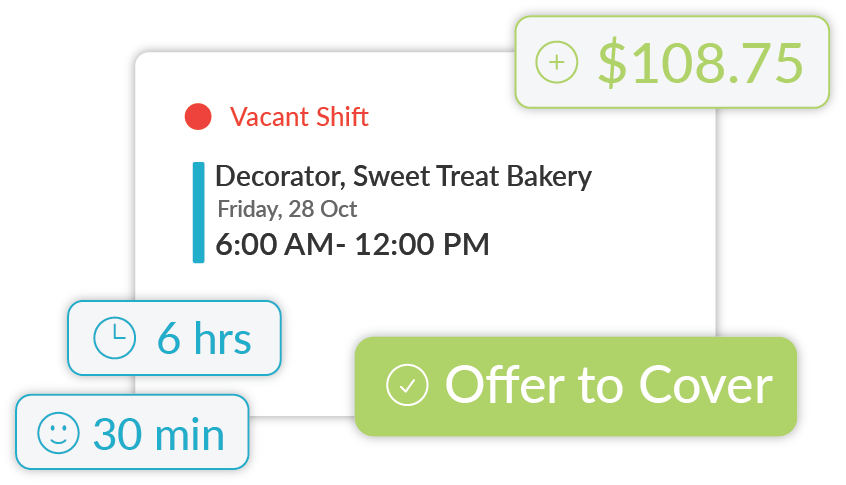
Employees can view hours and potential earnings for every available shift they are looking to claim. Managers can even add bonuses to these shifts to further incentivize bidding. Transparency like this improves employee engagement and increases the likelihood of less desirable shifts getting covered.
Still have questions? Want to learn more? Schedule a time with one of our product specialists.
Frequently Asked Questions
How much does Workforce.com’s shift bidding system cost?
To find out what kind of scheduling process works best for your business and operational requirements, visit our pricing page and speak with our team.
Can employees do shift swapping?
Yes, in a way. Employees can request coverage for an assigned shift and it is up to the managers if they want to accept or decline the request. If the manager accepts, they can then pick another employee to cover the requested shift. Or, the manager can open the shift up to a bidding process.
Is this employee self-scheduling software?
Not entirely. Managers still plan shifts and build schedules. They can, however, leave all the shifts empty if desired, allowing employees to bid on each one. In this way, employees do have the power to schedule themselves for their preferred shifts. But most of the time, bidding is just used as a way to streamline last-minute changes like call-outs and no-shows.
How does shift bidding work, exactly?
Shift bidding happens when a scheduled employee can’t make their shift. Managers can offer the open slot for bidding to qualified and available team members. Employees can review the shift details and place a bid based on their availability. Once approved, the shift is reassigned and the work schedule updates automatically.
What are the challenges that come with implementing shift bidding?
The biggest challenge is finding the right balance between flexibility and control. A shift bidding system needs to have clear rules for who can bid, when, and how approvals work. Otherwise, things can get confusing fast. Managers also need to make sure bids don’t break labor laws or push someone into overtime. The key is communication and transparency. Setting clear guidelines, automating approvals, and keeping everything transparent helps avoid these challenges.
Does Workforce.com have time tracking functionality?
Yes! Right from their phone, staff can clock in and view timesheets for every shift. In fact, Workforce.com’s time clock is what makes its employee scheduling system so effective. Managers can compare scheduled vs. actual hours worked on every timesheet to see where and when employees are deviating from their shift assignments.
How does shift bidding improve my bottomline?
Workforce.com drives profitability in a couple of ways. For one, it helps you fill empty shifts quickly so that you are never leaving revenue on the table due to understaffing. Secondly, its live wage and hour metrics help you determine the most cost-effective employees for the job; this prevents costly mistakes like accidentally scheduling someone who’s about to hit overtime.
How do I access Workforce.com?
Workforce.com is cloud-based, meaning you can access it from anywhere. Typically, managers conduct their shift scheduling via desktop, while employees can view open shifts and make bids through their mobile devices.
Who typically uses Workforce.com’s shift bidding?
While a wide variety of businesses use Workforce.com, those in healthcare, retail, and hospitality are the most common. And since Workforce.com’s shift bidding is part of a larger workforce management, HR, and payroll ecosystem, it caters especially well to mid-sized and enterprise-level businesses in the 50-10,000 staff range.
How does Workforce.com support risk management?
As an HR technology focused on all your compliance needs, Workforce.com looks to reduce risk throughout the employee lifecycle. By automatically applying labor law templates to schedules, flagging timesheets for errors, and documenting things like incidents and attendance violations, the system keeps your business in compliance with all relevant labor standards, reducing your overall risk.
What are the benefits of shift bidding?
Shift bidding keeps your business running smoothly when unexpected absences happen. When a teammate can’t make it to work, managers can offer the vacant shift to qualified staff, and the system automatically sends a notification to eligible employees. For employees, shift bidding adds flexibility and allows them to express their shift preferences, leading to higher job satisfaction and a greater sense of fairness. For managers, it means smoother coverage, fewer disruptions, and less time spent chasing replacements.